1 / 6
← Swipe to see more →
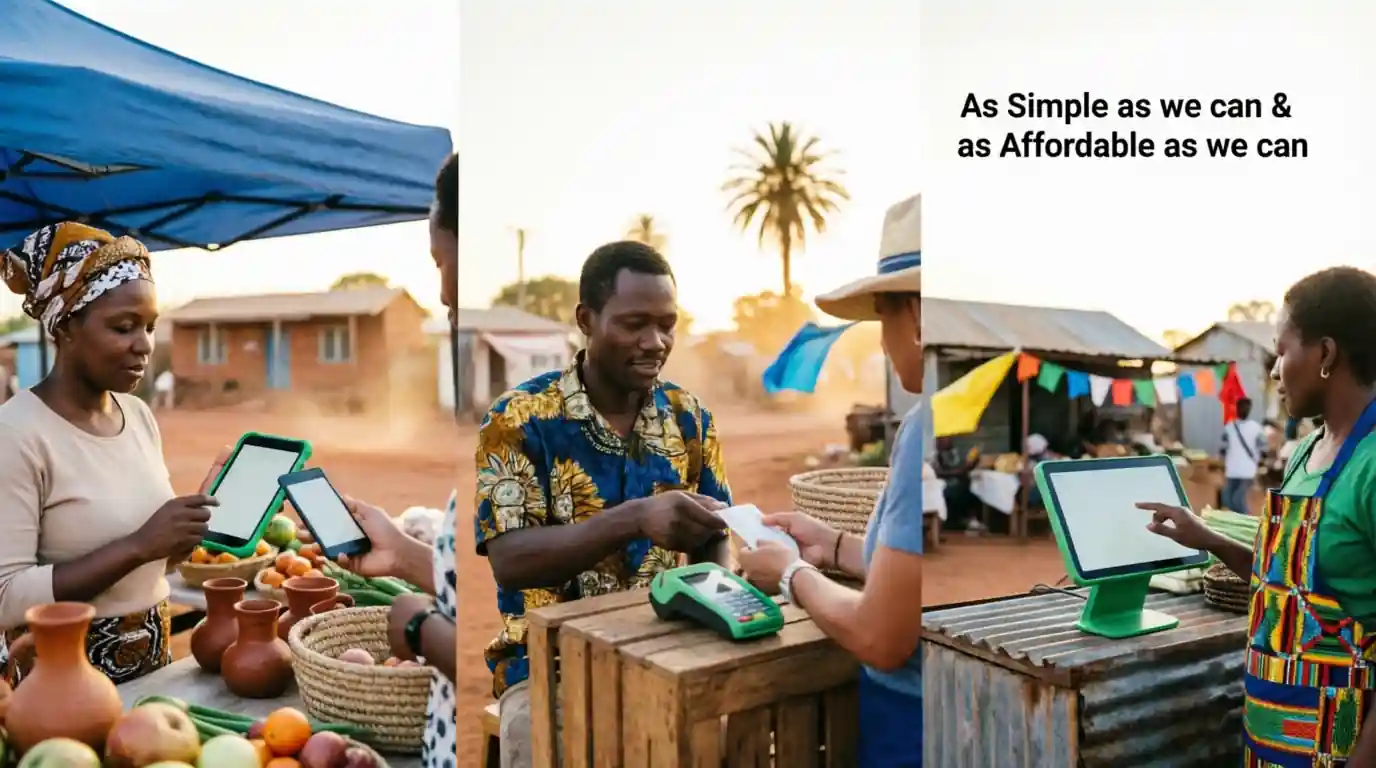
The simple, affordable POS built for African Micro Businesses, popup markets, side hustles, informal businesses. No internet? No problem.
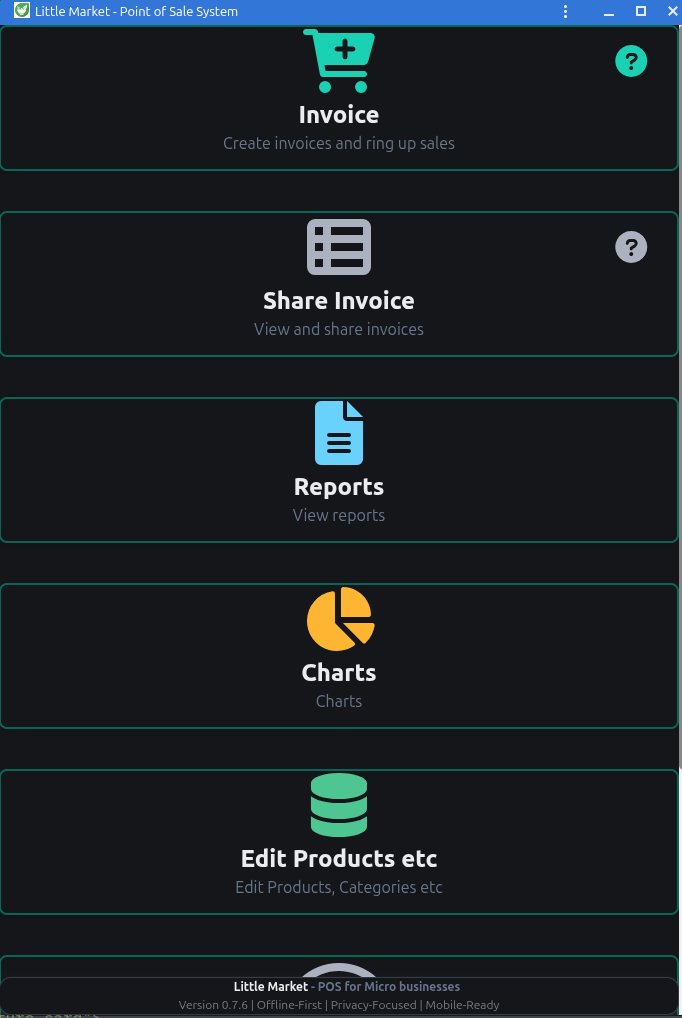
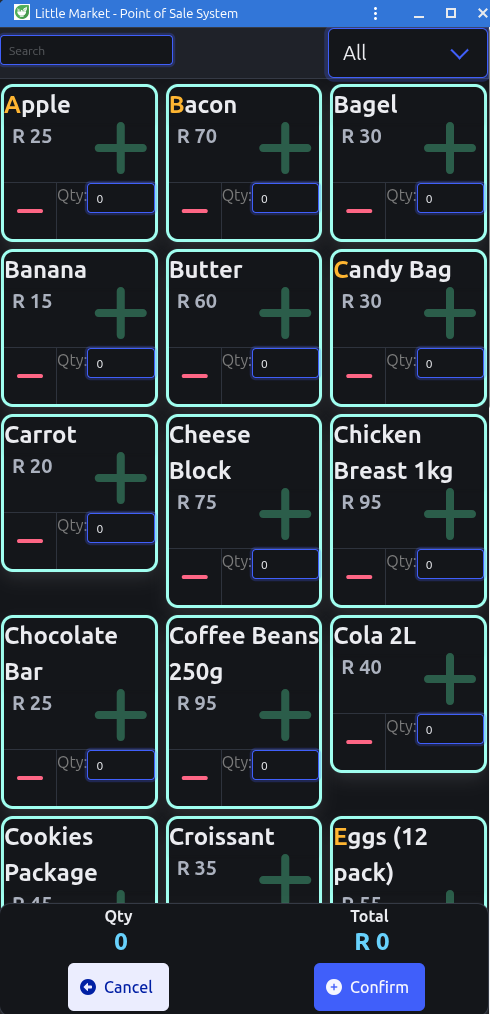
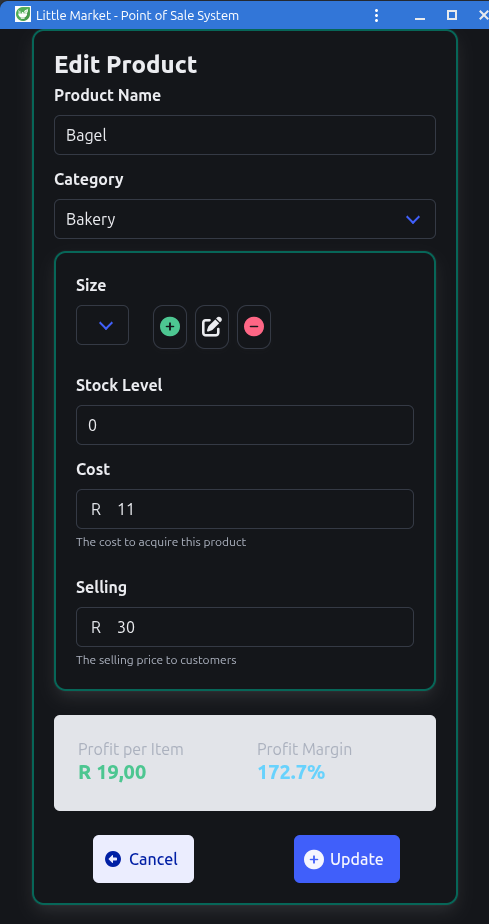
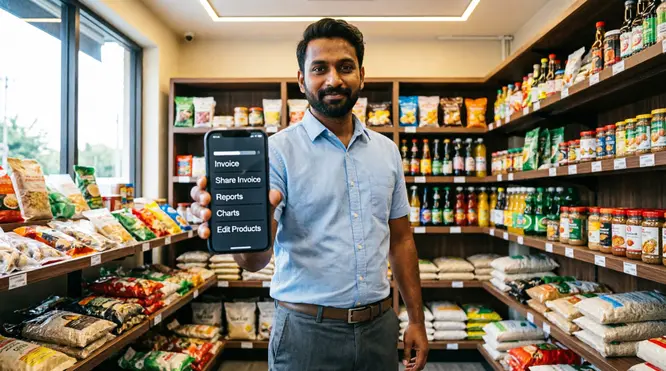
A complete POS, inventory, and invoicing system that works on any device, in any location. Setup takes 2 minutes. No monthly fees. Your data stays on your device.
← Swipe to see more features →
Designed with input from African micro-entrepreneurs
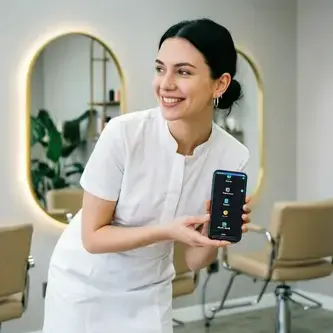
← Swipe to see more use cases →
Watch how easy it is to add products, process sales — all offline.
No signup needed • Works offline • Multi-Till • Share Reports
Watch how easy it is to link multiple devices
No contracts. No hidden fees. Just simple tools that work offline.
Everything you need to know before getting started
No! Little Market works 100% offline. All your sales, inventory, and reports are stored securely on your device.
Little Market (and Little Invoice) are progressive web apps that run on Android phones & tablets and iOS devices, as well as on Windows, Mac and Linux desktops.
Any Browser can be used on any device, however not all browsers support sharing of invoices, with these browsers the report will be downloaded instead.
Absolutely. You can export all your data anytime as a spreadsheet.
If you have an active Little-Invoice Voucher you can perform a full backup and restore
Your data is stored locally on your device and is not shared with any third parties.
If you have an active Pro Voucher you can perform a full backup and restore.
Pay-as-you-go. No Monthly obligations. No auto-renewal. Purchase a voucher when you need to.
Standard Voucher: R20 for 3 days or R50 for 30 days.
Pro Voucher: R100 for 30 days. Can use Multi Devices.
Yes. Little Market is privacy-first: no tracking, no ads, no selling your data. All data stays on your device.
You can send Invoices directly from Little Market to your client's email address, Telegram etc. You need to be connected to the internet for this action.
In exactly the same was that you would share an invoice
Little-Market is the main App (a Full Point of Sale system), while Little-Invoice is a separate invoicing App, eg: (for Waitress) and links to and sends its invoices to Little-Market.
In order to use Little-Invoice, you will need a "Pro Voucher"
You would install Little-Invoice on different devices to Little-Market.
See the built in help on how to connect the devices.
When the tills make a connection to the main device the latest stock list is downloaded to the till
and all outstanding invoices sync'd to the main device.
Your stock item costs are not sent to the tills for data security.
An Open Invoice allows you to start a sale, add items over time, and charge the customer later — without closing the transaction. This is ideal for:
Open invoices help reduce errors, speed up service, and give customers more flexibility — all while keeping everything organized in one place.
We do not process payments directly through our POS — Use your favorite payment device.
Eg: Capitec Card Machine
Not at all. Our POS has a clean, touch-friendly interface that most people learn in under 5 minutes. The POS has an in-built Help system .
Little Market runs entirely on your devices — there's no cloud server.
When you use a Pro Voucher for multi-device linking, the tills connect directly to your main device over the internet.
This enables live sync during business hours: invoices flow between devices in real time.
For live sync to work, at least the main device must be connected to the internet and awake:
a laptop or desktop with the browser tab open (it's fine if it's in the background, as long as the screen isn't locked or hibernating),
or a phone/tablet with the app open in the foreground.
Don't need live sync? No problem — you can simply connect the devices at the end of the day to sync everything in one go.
No device needs to stay online outside of when you choose to sync.